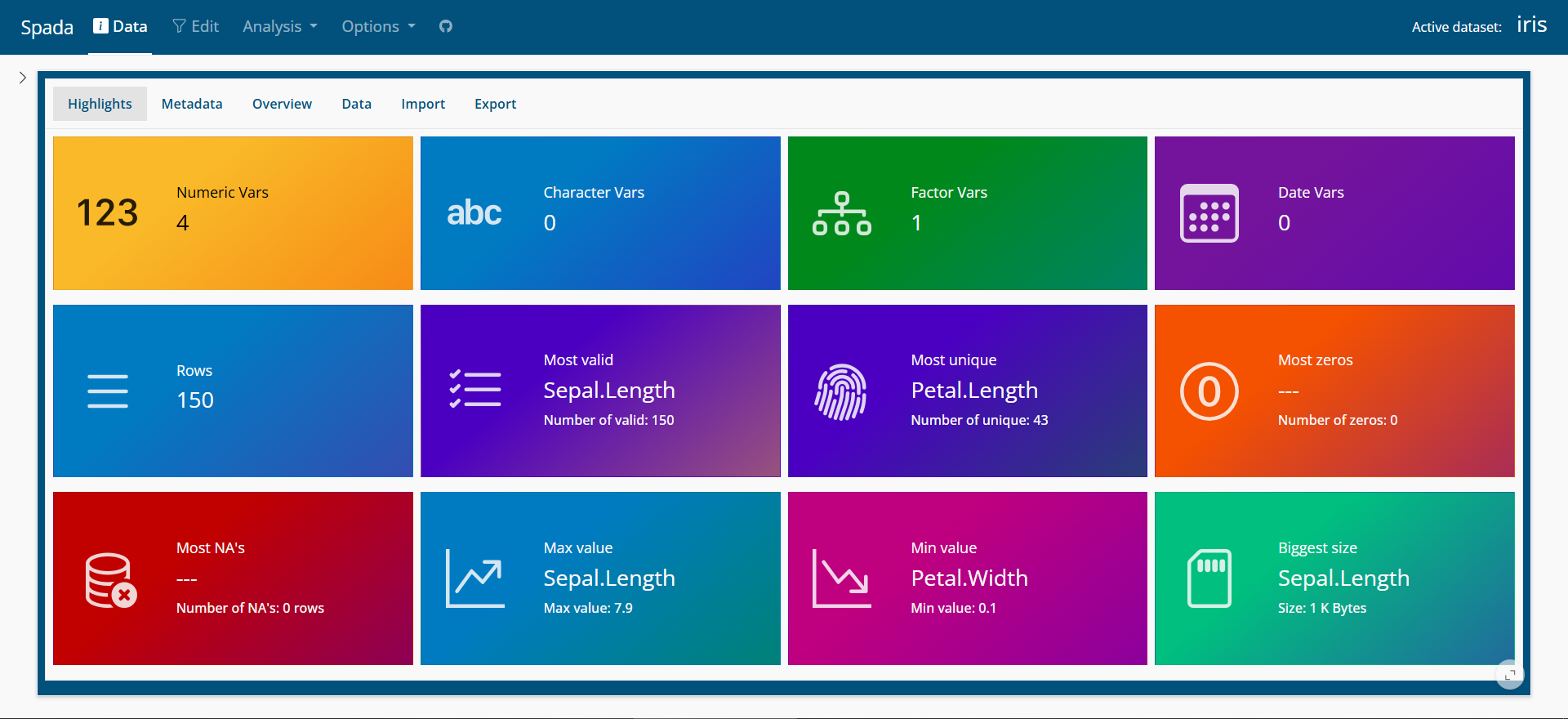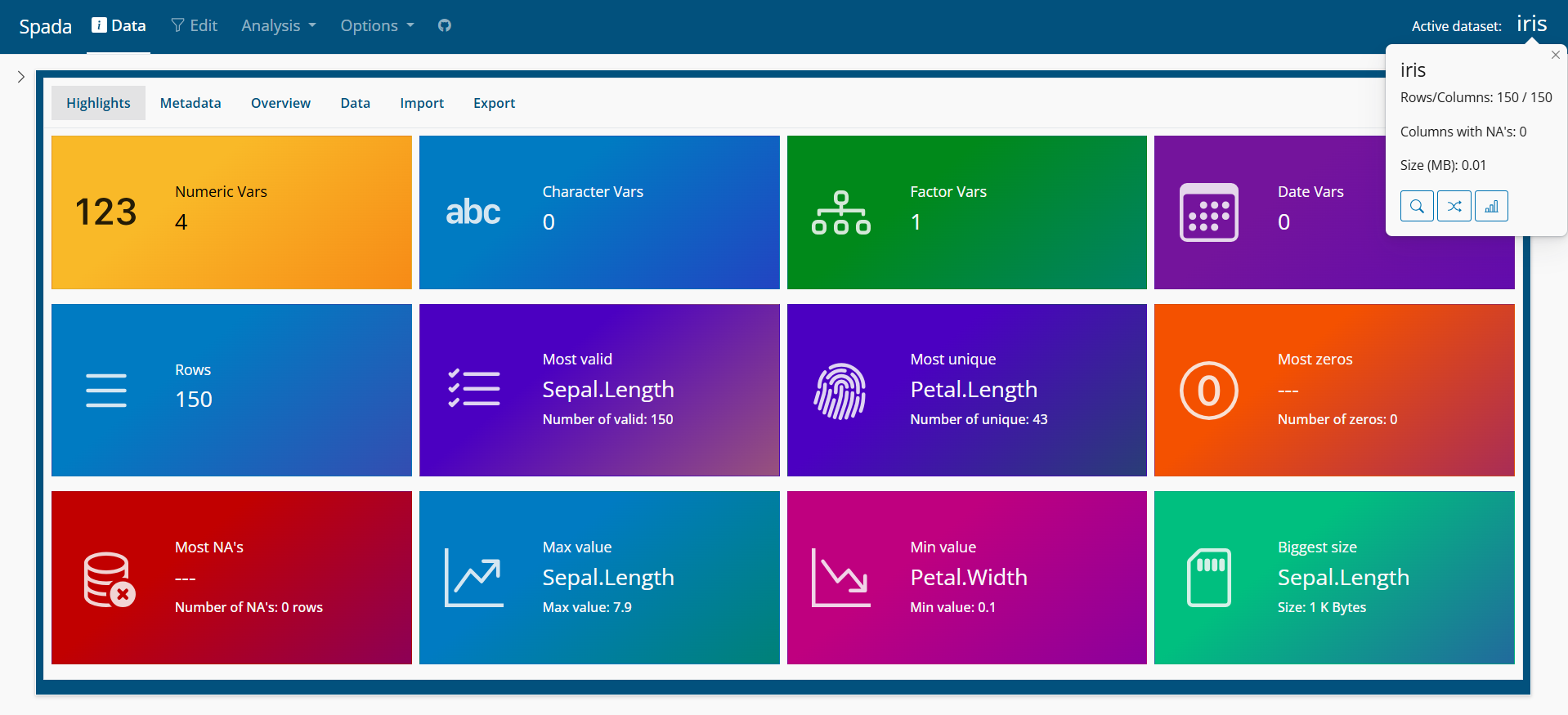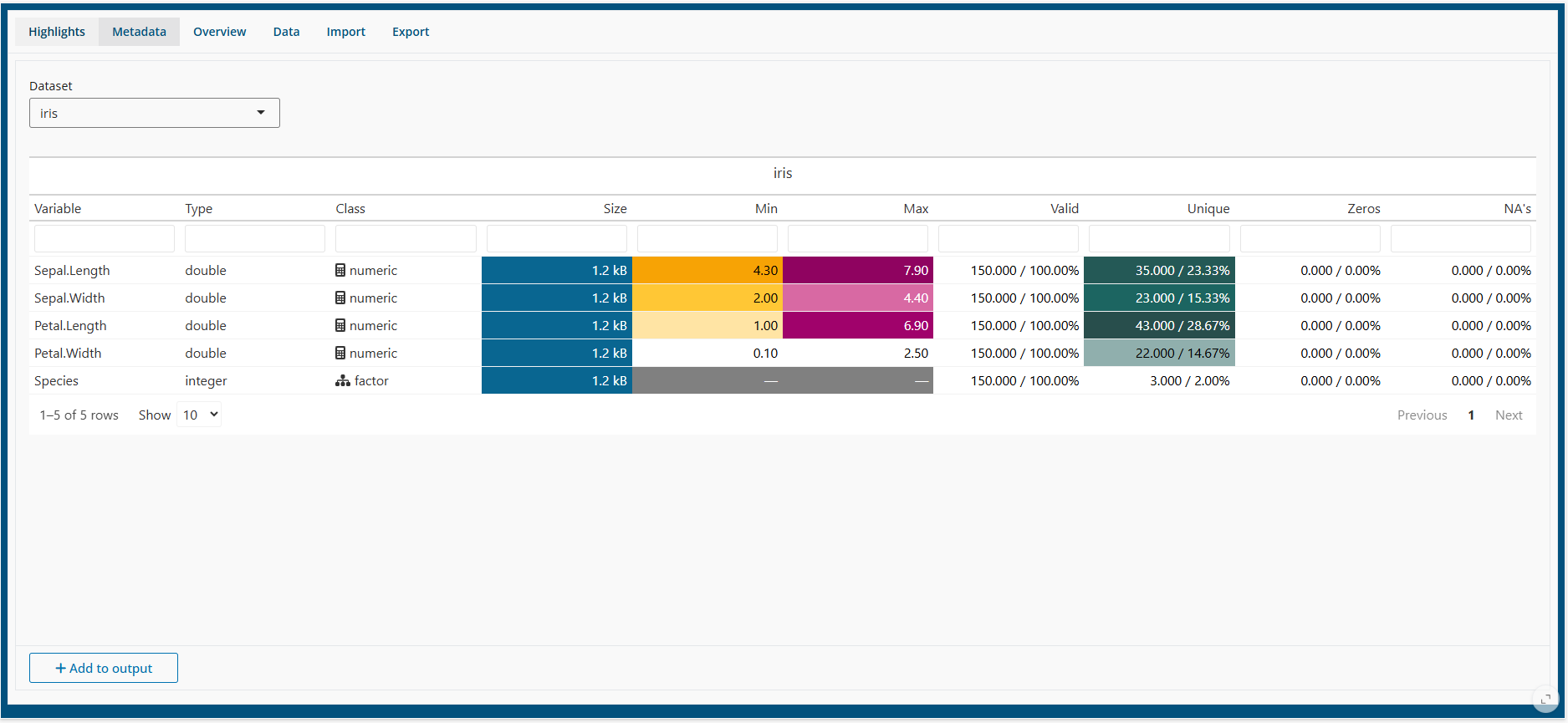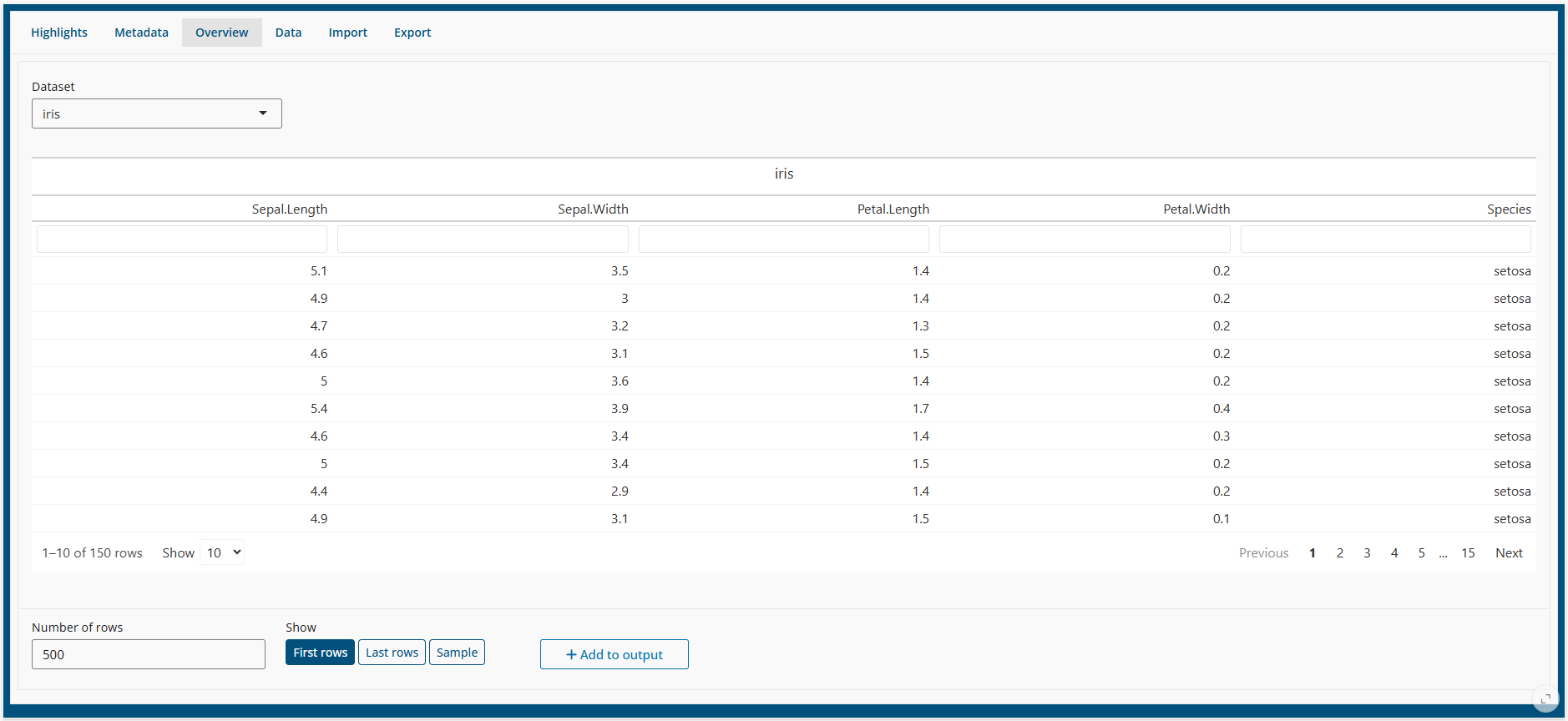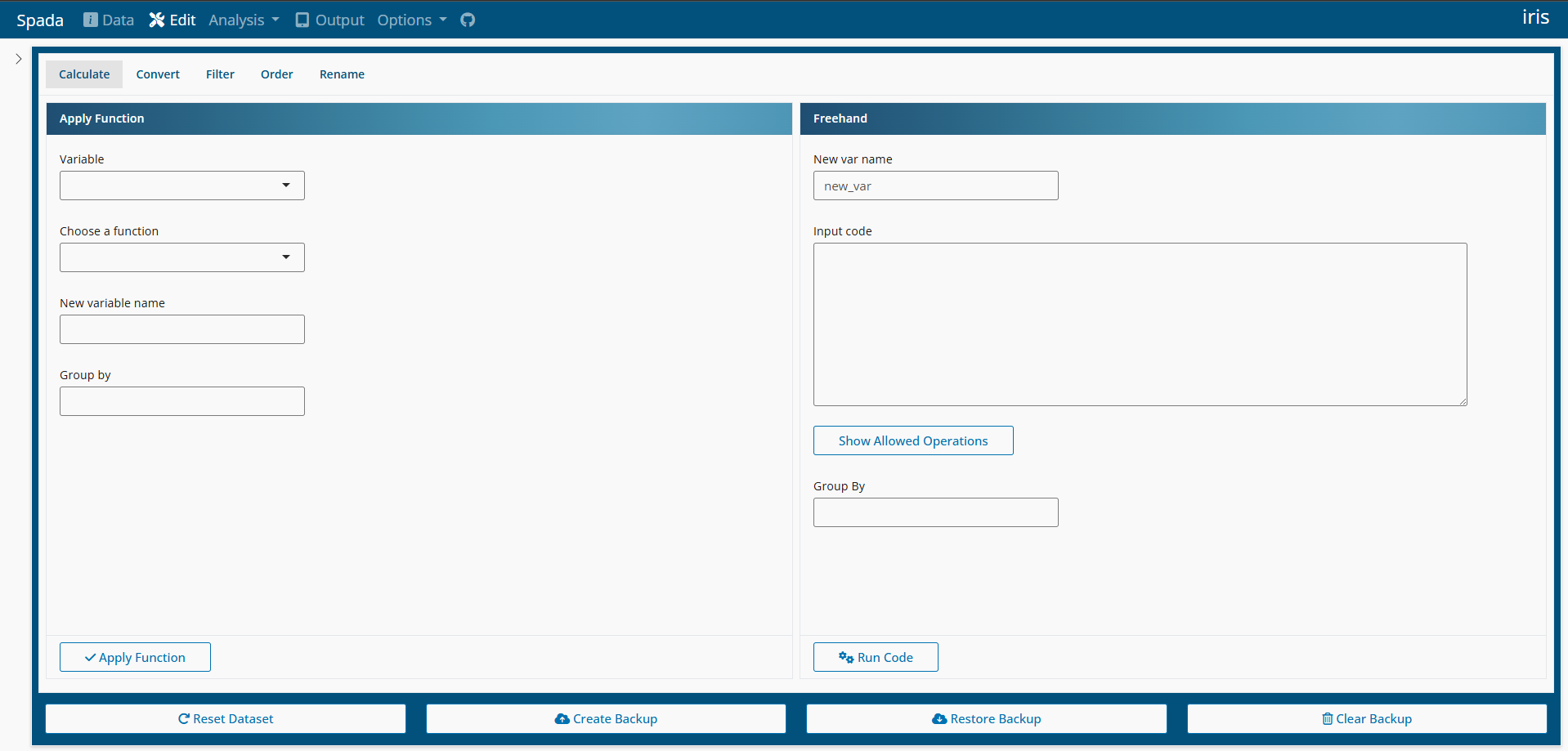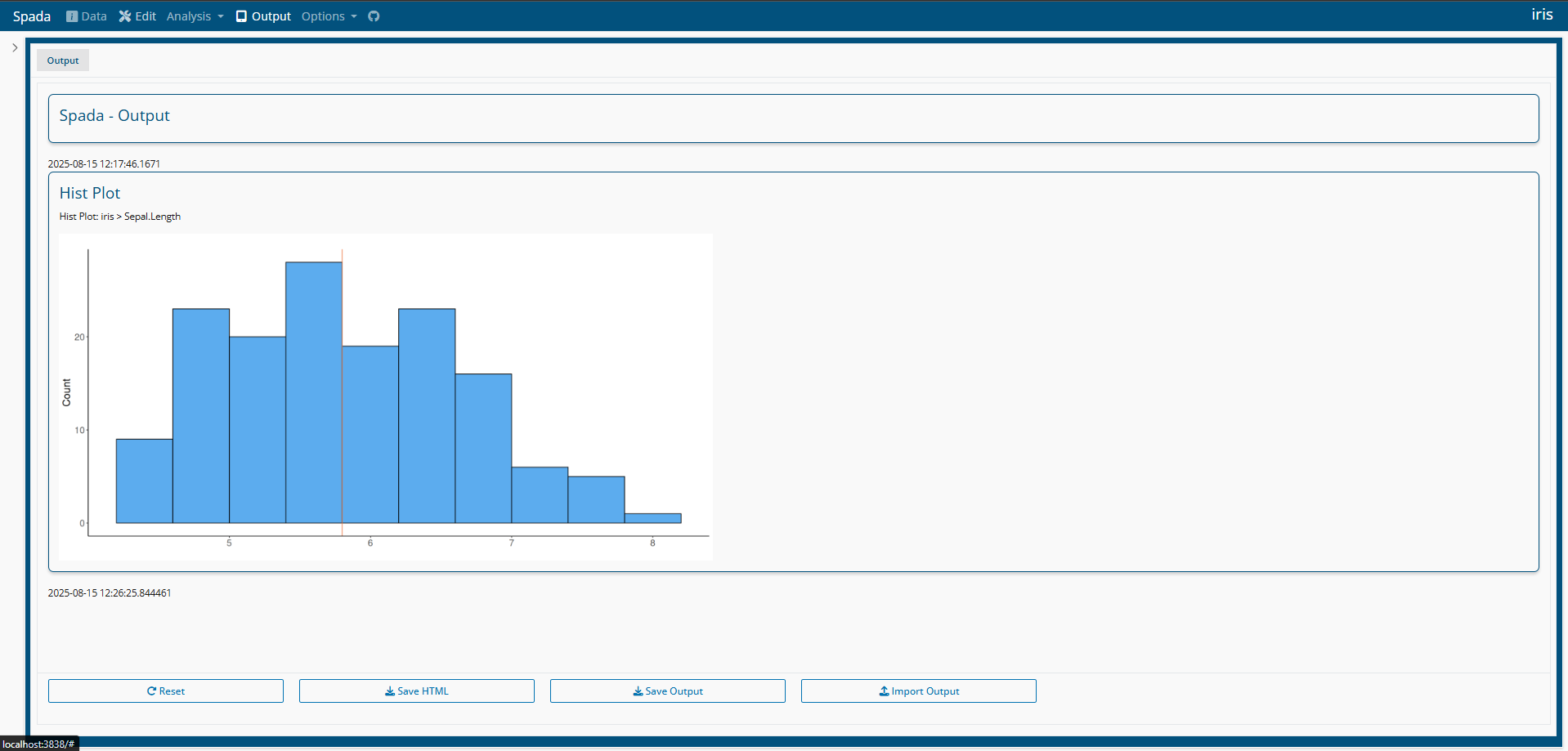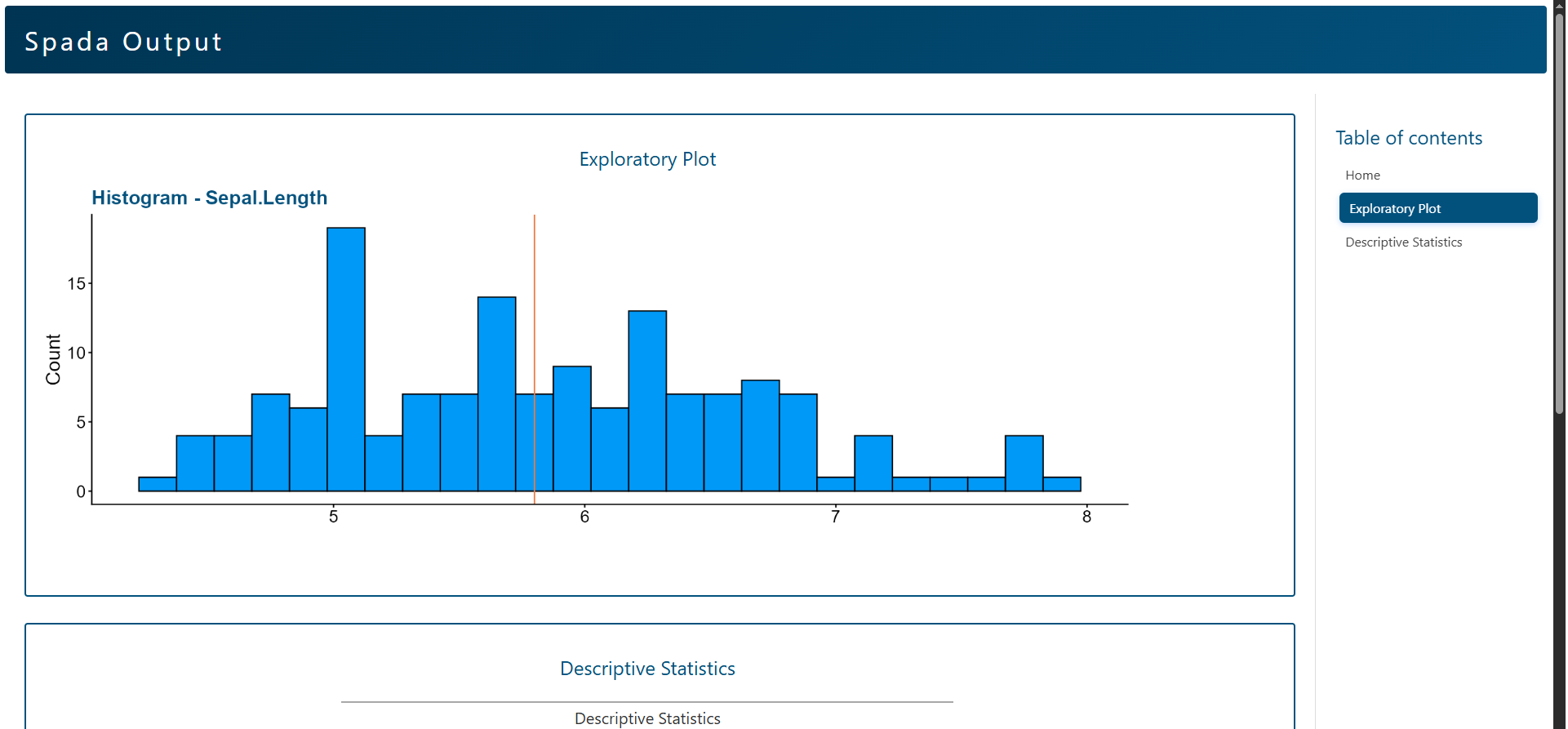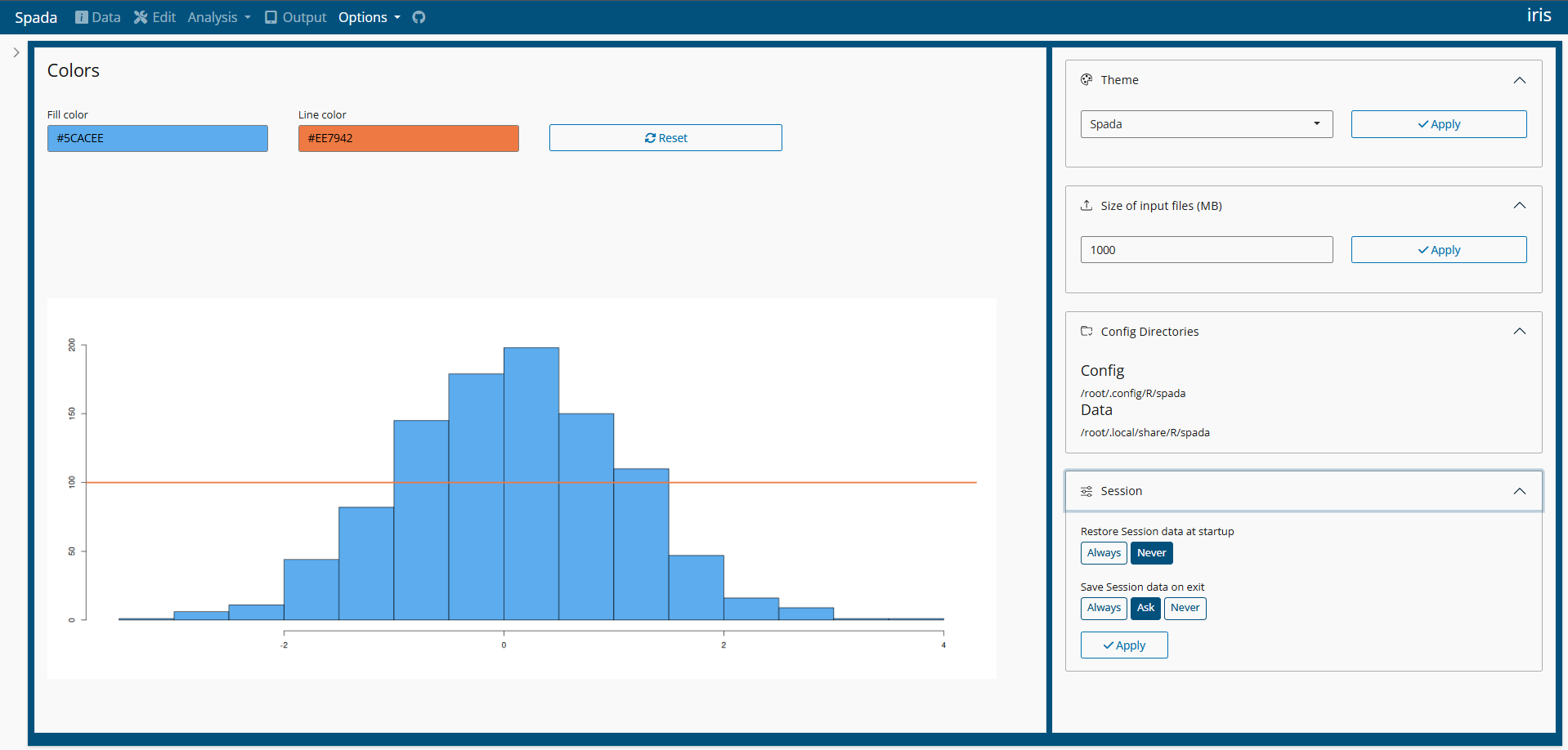
Spada provides a ‘shiny’ application with a user-friendly interface for interactive data analysis. It supports exploratory data analysis through descriptive statistics, data visualization, statistical tests (e.g., normality assessment), linear modeling, data import, transformation and reporting.
This package is inspired in many other tools like:
IBM SPSS Statistics (https://www.ibm.com/products/spss-statistics)
R Commander package (https://CRAN.R-project.org/package=Rcmdr)
Jamovi (https://www.jamovi.org/)
ydata profiling (https://docs.profiling.ydata.ai/latest/)
Warning: Spada is in active development.
Documentation
You can access Spada Book on this website: Spada Book.
Installation
install.packages("spada")You can install the development version of spada from GitHub using the command below.
install.packages("remotes")
remotes::install_github(
  "lgschuck/spada",
  dependencies = TRUE
)Usage
if(interactive()){
  spada()
}Docker
Spada is distributed as a Docker Image.
For instructions in how to download and use Spada go to Docker
You can use Docker Hub to search for diferent versions.